Setup users for access to custom programs
If you are already familiar with UUP, just scroll down to the last 2 screens
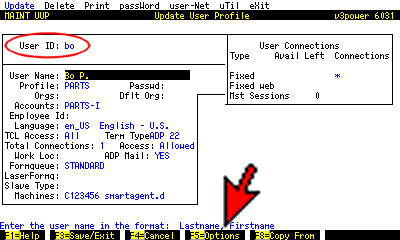 In function UUP, enter the user's id
Press F5.
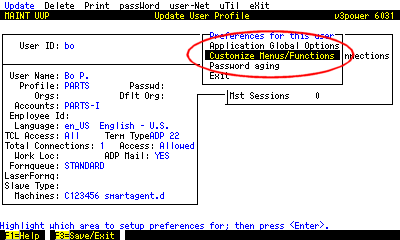 Choose Customize Menus/Functions.
 Select the account [logon] and press ENTER.
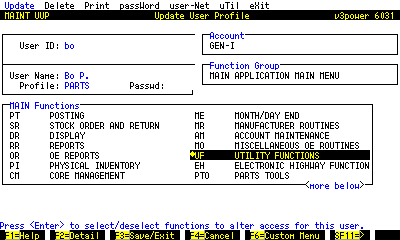 Highlight UF UTILITY FUNCTIONS and press F6.
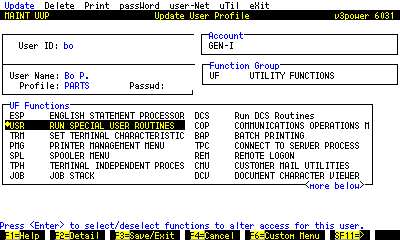 Highlight USR RUN SPECIAL USER ROUTINES and press F6.
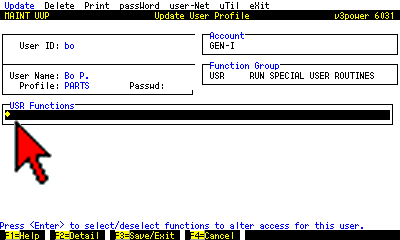 Here's the tricky part.
Even if there is nothing but a blank line, press ENTER to highlight the blank line and save out.